How to Make AI Drawings Using an AI Drawing Generator



Have you ever imagined turning a simple idea into a beautiful piece of drawing without picking up a pencil or brush? Today, AI drawing generators are making this a reality. These tools use intelligent technology that brings your ideas to life, whether it be a lovable character, a realistic portrait, or a colorful landscape.
And the best part? You don’t need drawing skills. And even without previous drawing experience, you could be making artwork with AI in a matter of minutes. These tools are made to make it easy, accessible, fun, and inspiring for everyone, from testing styles to changing every detail.
This guide will explain how to make AI drawings using an AI drawing generator. You will be ready to use AI to create artwork quickly!
First, What is an AI Drawing Generator?
An AI drawing generator is a tool that uses artificial intelligence to create images from a text prompt. Simply enter your text prompt, and the AI tool will create a unique artwork for you instantly without needing traditional drawing skills.
Key Features Include:
- Text-to-drawing generation: Turn your ideas into a digital drawing instantly by simply entering your words.
- Hand‑Drawn Look: Generate artwork that feels like it was sketched by a real artist.
- Free to Use Without Watermarks: Enjoy creating and downloading drawings without any extra branding or cost.
- Minimalist/Sketch Outputs: Perfect for simple, elegant designs suitable for personal or professional projects.
Benefits of Using AI Drawing Generators
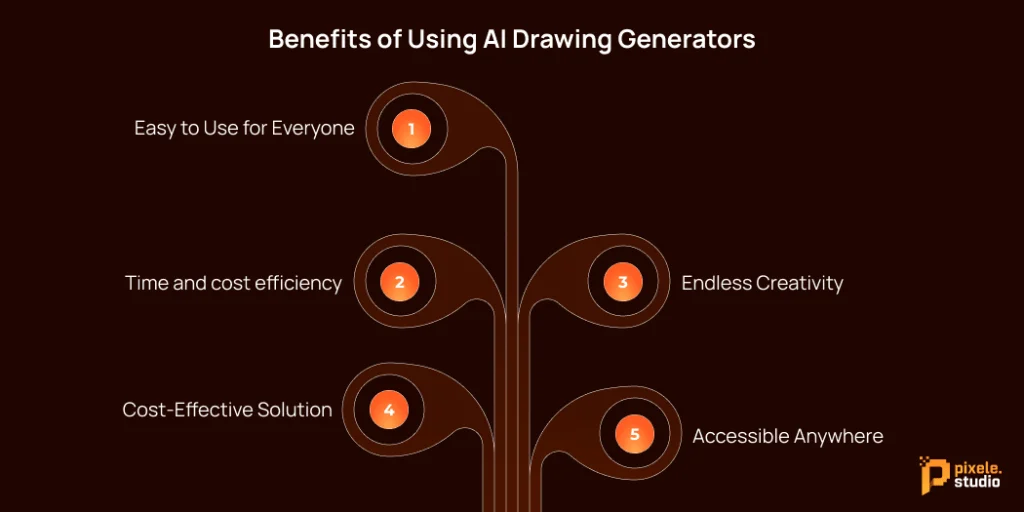
Creating beautiful drawings has never been easier. With AI drawing generators, anyone can turn ideas into artwork without needing expensive tools. Let’s look at why so many people are using them:
1. Easy to Use for Everyone
One of the biggest advantages for users is how simple these tools are to use. You don’t need to have any drawing experience or technical skills. With just a few clicks or by typing a simple prompt, anyone can create a beautiful drawing in seconds.
2. Time and cost efficiency
An AI drawing generators save both time and money. Instead of spending hours or even days creating a single piece, you can produce beautiful drawings in just a few minutes. Hiring a professional artist can also be costly, but these tools let you get great results without spending a fortune.
3. Endless Creativity
These tools can create many styles, like realistic photos, cartoons, oil paintings, or digital art. They let you try new ideas and explore different looks.
4. Cost-Effective Solution
Hiring professional artists or purchasing expensive software can be costly. AI drawing generators offer a more affordable alternative without compromising quality. Many tools like Pixele Studio provide free or low-cost options, making them ideal for students, small businesses, and hobbyists.
5. Accessible Anywhere
Most AI drawing generators work online, so you can use them from your computer, tablet, or phone. This means you can create art wherever you are, without being tied to a studio or expensive software.
How to Make AI Drawings: Step-by-Step Guide
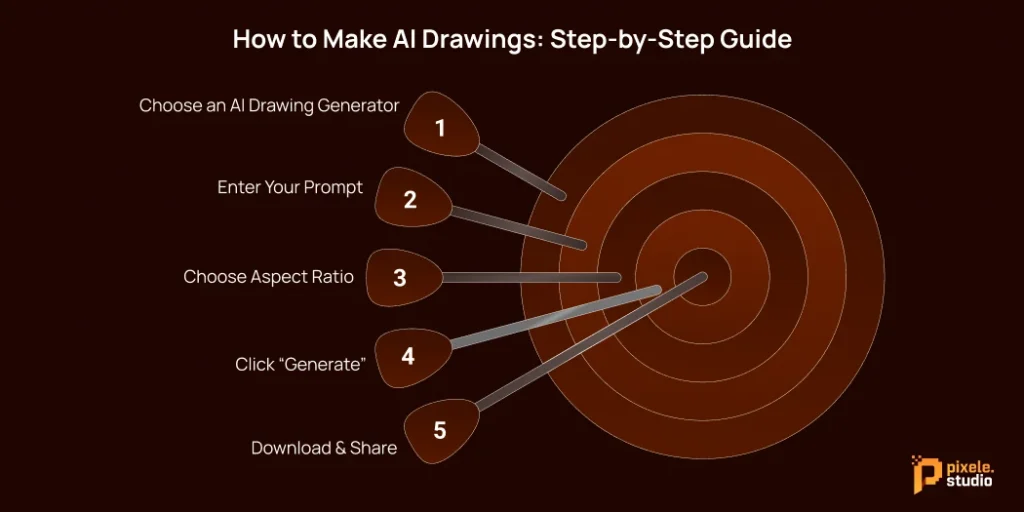
Ready to create your first masterpiece? Learning how to create AI drawings is simple. Here’s a simple guide to get you started.
Step 1: Choose an AI Drawing Generator
The first step is to select the right tool. There are lots of options, each with its own benefits. Popular ones include Pixele Studio, DALL-E 3, and Stable Diffusion. Many tools offer a free AI drawing generator, so you can try them out without paying. Choose one that’s easy to use and fits the style you want.
Step 2: Enter Your Prompt
Look for the box where you can type your idea. The design is simple and easy to use, so anyone can start making a drawing quickly. Everything is laid out clearly to make your first experience smooth and easy.
Step 3: Choose Aspect Ratio
After typing your idea, choose the size and shape for your drawing. You can select options like square(1:1), landscape(16:9), or portrait(9:16), depending on where you plan to use the image. This step helps your artwork look just right and fit perfectly for your needs.
Step 4: Click “Generate”
Once you’ve entered your prompt, click “Generate.” The AI will create a unique, hand-drawn style artwork in seconds. You can experiment with different prompts to explore endless creative possibilities.
Step 5: Download & Share
Once your drawing is ready, you can save it to your device. You can also share it easily with friends or post it online. This way, your artwork can be used for anything you like, quickly and without any hassle.
Common Mistakes to Avoid When Creating AI Drawing
Creating your first AI drawing is just the beginning! But beginners can make a few mistakes that affect the final result. So, here are some common mistakes to avoid:
- Vague Prompts: Using a prompt that’s too simple is a common mistake. The more details you provide, the better the AI can understand your vision and create the image you want.
- Ignoring Negative Prompts: Many generators allow you to use “negative prompts” to specify what you don’t want in the image. If you skip this step, the final picture might include unwanted elements or details that don’t match your idea.
- Expecting Perfection on the First Try: It’s normal if your first AI drawing isn’t exactly what you imagined. Creating a good drawing takes practice and a few tries. Adjusting your description, size, or style can make a big difference. Being patient and experimenting a little helps you get results that match your vision and look professional.
- Specify the Art Style: If you don’t mention the style, the drawing might come out in a random or uneven look. To get the result you want, always choose a style for your artwork, like digital art, watercolor, anime, or sketch.
Write a few words and see them come alive as pictures within seconds.
Pro Tips to Improve Your AI Drawing Photo
To make your AI drawing photos look professional and eye-catching, try these expert tips for better results and share-worthy images:
Understanding Simple Prompt Structure for Better Results
Even short descriptions can work, but adding more details can make your drawing look much better.
- Specify the subject, action, setting, artistic style, and mood.
Giving these details helps your drawing match your vision more closely. Learning to improve your prompts step by step is an important part of creating clear, professional-looking images.
Experiment with different Prompts and Styles
Trying new things is key to creating unique and eye-catching drawings. You can make your prompts more creative and detailed, combining unusual subjects or ideas with different styles.
For example, you could see how the same drawing looks as a soft painting or a clean digital illustration. Playing around like this lets you discover new possibilities and create images that really stand out.
The main idea is to explore and have fun. Don’t be afraid to mix styles, try different moods, or change the way you describe your idea. Each experiment can produce a fresh and surprising result.
Conclusion
Creating your first digital drawing is an exciting and surprisingly simple process with tools designed for ease of use. You can turn your ideas or photos into unique artwork in just a few steps, even if you’re a complete beginner. The intuitive layout and variety of style options make it easy to get started and enjoy the creative process.
Now that you’ve learned the basics, you can explore different ideas, experiment with styles, and make your drawings truly your own. Every AI image prompt is an opportunity to create something new and unique.
Ready to create your own stunning AI Drawing? Visit the AI drawing tool and follow this guide to create your first masterpiece!
Frequently Asked Questions
An AI drawing generator is a tool that turns your written ideas into digital drawings. You don’t need any drawing skills to create artwork quickly and easily.
Start by choosing a tool, typing your idea, selecting a style and size, then clicking generate. Once the drawing is ready, you can download or share it.
No. These tools are designed for beginners and professionals alike. You just need to describe your idea clearly, and the tool does the rest.
Yes, Pixele Studio offers a free drawing tool that beginners can use easily. You can type your ideas and create digital drawings without any cost.
Be specific in your prompts, choose a clear style, pick the right size, and experiment with different ideas. Practice also helps improve results over time.
Most tools create drawings in just a few seconds to a couple of minutes, depending on the complexity of your prompt and style.

Rakesh Mahale is the SEO Team Lead at Tagline Infotech, specializing in AI-driven SEO strategies that boost organically digital visibility and business growth.