8 Best Free AI Video Generators Without Watermarks



Finding a free AI video generator that produces realistic and high-quality results without a watermark is not simple. Many tools claim to be free, but when you try to download the video, they add a big logo or force you to upgrade.
Only a few platforms truly offer high-quality videos with smooth visuals and no marks on the final output.
Whether you’re a content creator, marketer, student, or someone who simply wants to make good videos without spending money, this guide will show you the best options that really work.
Here are the 8 best free AI video generators without watermark that give you realistic results, easy controls, and easy downloads you can trust.
1. Pixele Studio – Best Free AI Video Generator Without Watermark
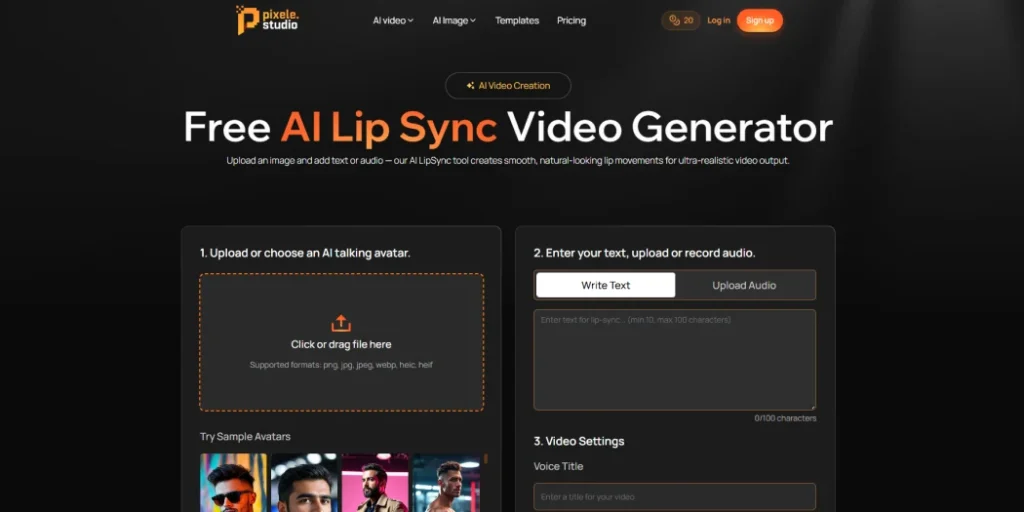
Pixele Studio makes it easy to turn a normal photo into a talking video. You can take any picture, even a selfie, and make it speak smoothly and naturally. The lips match the words, the expressions look real, and the final video feels clean and polished. You only need your photo and a short script or a voice recording, and the tool handles the rest for you.
You do not need any video editing skills or special knowledge. Simply upload your picture, add your text or voice, and choose a background if desired. Pixele Studio then creates the video for you. Once your video is ready, you can save it directly without doing any extra editing.
This tool is useful for many things, like social media posts, fun content, short promotions, or simple tutorials. Since it manages the photo, voice, and movement in one place, it becomes a helpful option for anyone who wants a realistic talking video quickly and with very little effort.
Pros
- High-Quality Output
- Fast rendering and easy export.
- Clean, watermark-free video downloads
- Available in AI video templates
- No complicated setup or editing needed
- Lips and expressions match the voice naturally
- User-Friendly Interface and perfect for beginners
Cons
- Not suitable for very long videos
- Some advanced styles may require payment
How to Use an AI Video Generator With Pixele Studio
Here are some steps to follow to consider:
1. Upload Your Photo: Choose or upload the photo you want to use for your video. Make sure it’s clear and of good quality for the best results.
2. Add Your Script or Audio: Next, type in your script or upload an audio recording. This is what the person in your video will say.
3. Customize & Preview: Use the tools to customize the style, background, and other templates. Make sure to preview it to check that everything looks good!
4. Generate & Download: When you’re happy with your customization and preview, just click the generate button. Once it’s ready, you can download your finished video in your chosen format.
2. Magic Hour

Magic Hour is one of the best AI video generators for free without a watermark. Simply provide your voice or text, and the tool will make the lips in your picture move in perfect sync. The result is a smooth, natural-looking video without any watermarks.
You don’t need any technical skills to use it. Just upload a photo or video, add your voice or text, and let Magic Hour do the rest. It’s a great tool for creating anything from social media content and ads to music videos. It’s easy enough for beginners but also powerful enough for professionals.
If you’re a content creator, business owner, or just enjoy making fun videos, Magic Hour offers a simple way to create AI videos in just a few minutes.
Pros
- Videos look smooth and natural, with a cinematic feel
- Easy-to-use interface, perfect for beginners
- Fast processing and stable performance
- Free videos can be downloaded without any watermark
Cons
- The free version only allows shorter videos
- Does not have advanced editing tools for complex projects
3. Synthesia
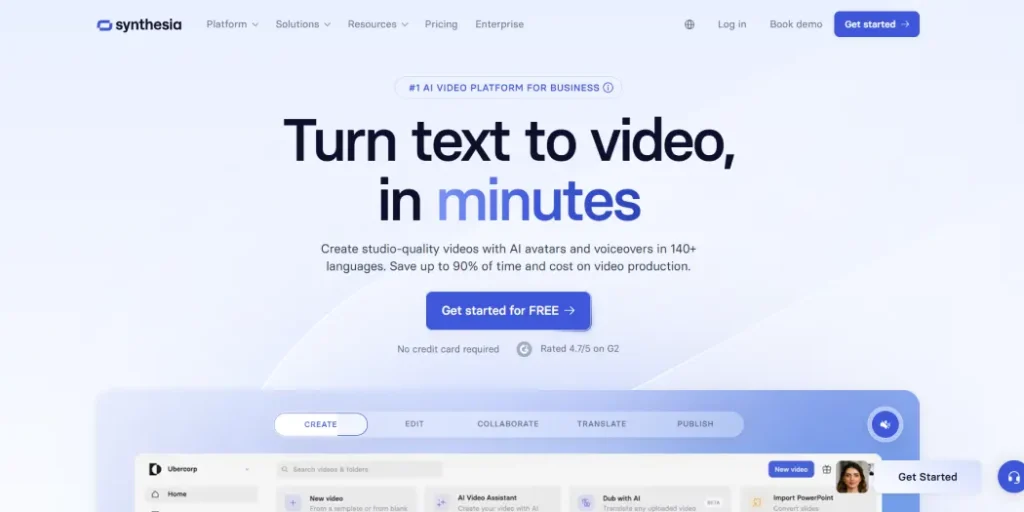
Synthesia is a well-known video platform used by businesses and educators to create professional-looking videos quickly. It is popular for making marketing videos, tutorials, and corporate messages without needing to record real people on camera.
The platform is great for consistency. It offers more than 140 virtual presenters and supports over 120 languages, making it easy for brands to produce videos in multiple languages. The presenters look polished and professional, perfect for corporate or educational settings.
Making a video is simple. You choose a presenter, add your text, pick a voice, and adjust the background or text style. In just a few minutes, you can create a ready-to-share, narrated video. While it is not designed for cinematic storytelling, it works perfectly for communication, teaching, and instructional content.
Even the free demo plan lets you create watermark-free sample videos, so you can try it out and see the quality before deciding to subscribe.
Pros
- Easy to create professional-looking videos quickly
- Large selection of virtual presenters
- Supports over 120 languages for multilingual videos
- Clean, polished videos suitable for corporate or educational use
- Free demo allows watermark-free samples
Cons
- Not ideal for cinematic or storytelling videos
- Limited customization compared to full video editing software
- The free version only allows short demo videos
4. HeyGen

HeyGen is a versatile video platform that makes creating videos easy and fun. It offers over 300 ready-to-use templates and more than 100 virtual presenters, so you can make videos for tutorials, training, presentations, or social media.
One of the standout features is the voice option, which supports over 40 languages and even matches lip movements to speech for realistic videos. You can also connect HeyGen with other apps through Zapier, making it simple to organize and manage your projects.
The platform also includes a script generator to help you create high-quality content quickly. With its user-friendly interface, HeyGen is perfect for beginners and anyone who wants to make professional-looking videos without complicated tools.
Pros
- Large template library
- Script generator helps create content quickly
- Multilingual voice support
- User-friendly interface, great for beginners
- Third-party integrations
Cons
- The free version may have limitations on video length or downloads
- Limited customization options
5. Pictory
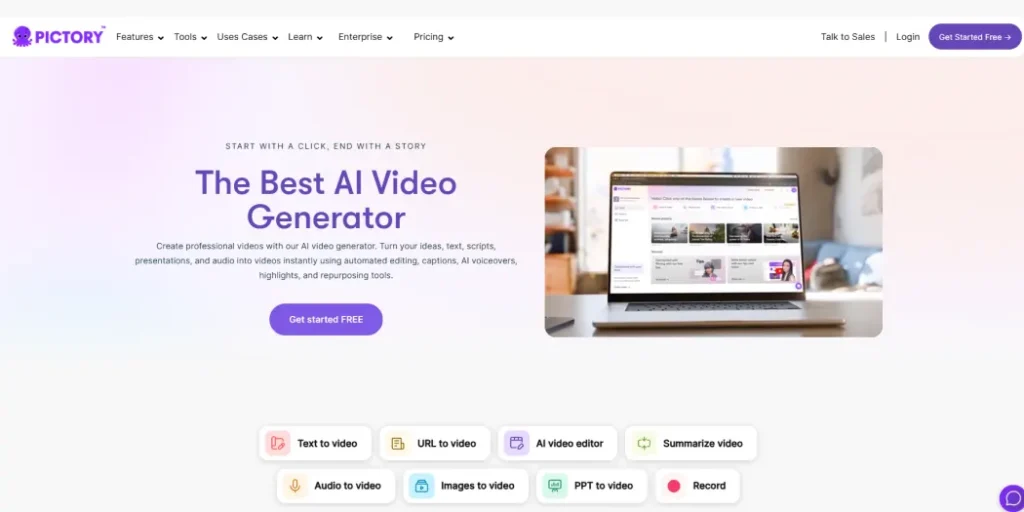
Pictory is great for anyone who likes to start with a script instead of a blank page. It turns written content like blog posts, newsletters, or video scripts into professional videos with visuals, transitions, and voiceovers.
The process is simple: paste your script or a link to an article, and Pictory’s AI creates a video outline, finds visuals, and adds narration. The AI voices sound natural and offer different tones and accents.
One standout feature is Pictory’s automatic captioning, which syncs subtitles perfectly to the voice track, making videos more engaging and accessible. The free plan allows you to create short videos without watermarks, perfect for trying it out or making quick social media clips.
Pros
- Convert the blog into a video in minutes
- Automatic captioning keeps subtitles synced with audio.
- The free plan allows watermark-free videos for testing
- Natural-sounding voices with multiple tones and accents
Cons
- Voiceovers can sound robotic
- Limited options for customizing visuals
6. Fotor
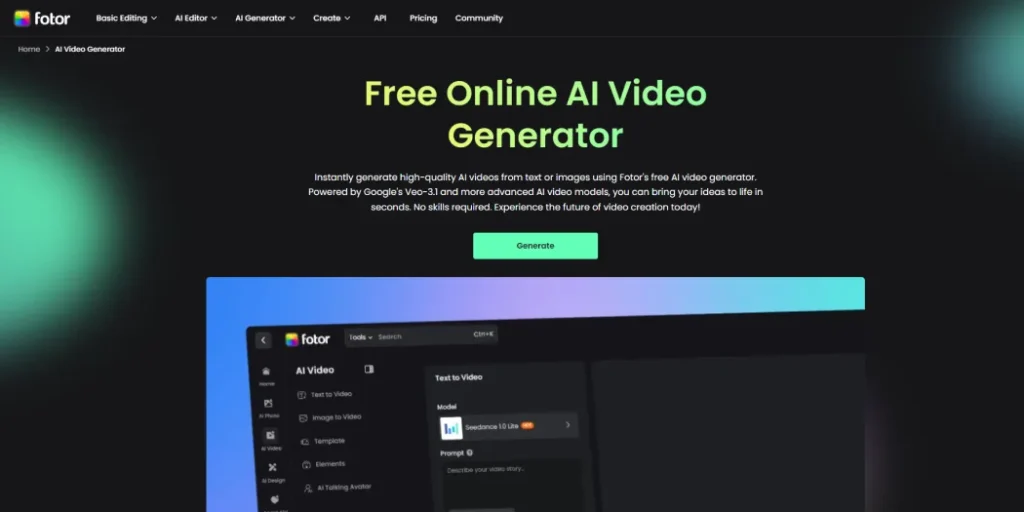
Fotor is a video tool that lets you get creative with a wide range of preset video styles. You can try different looks, like digital art, anime, or even 3D effects, giving each video a unique and fun feel.
One of the best things is that you can combine multiple videos to make something completely new. This makes it easy to mix themes, visuals, and ideas for your projects.
Fotor also helps turn long videos into short, attention-grabbing clips, which is perfect for social media platforms like TikTok or Instagram. You can quickly highlight the key moments or create shareable snippets.
On top of that, Fotor has a mobile app, so you can create, edit, and publish videos anytime, even when you’re on the go. It’s simple, flexible, and great for anyone who wants to make creative videos without complicated tools.
Pros
- Wide variety of preset video styles like digital art, anime, and 3D
- Mobile app allows editing and publishing on the go
- Turns long videos into short clips for social media easily
- Flexible video creation
Cons
- Limited features for customization
7. Pollo AI

Pollo AI is an unlimited free AI video generator without a watermark, allowing you to create clean, high-quality videos without restrictions. You can download your videos easily and use them anywhere without worrying about logos or branding.
It is a flexible tool where you can access many of the top video models in one place. You can create videos from text or images, making everything from animated clips to cinematic scenes or even 3D videos. The results are smooth and natural, giving your videos a professional look.
Pollo AI also comes with many templates, effects, and tools to help you edit or create videos quickly. The platform includes a feature called Pollo Canvas, which lets you use all the tools and models together, making it easy to bring your creative ideas to life.
Pros
- High-Quality Output
- Supports animated, cinematic, and 3D-style videos
- Multiple AI video templates
- Create videos from text, images, or a mix of both
Cons
- Some advanced features may require a paid plan
8. Vadoo AI
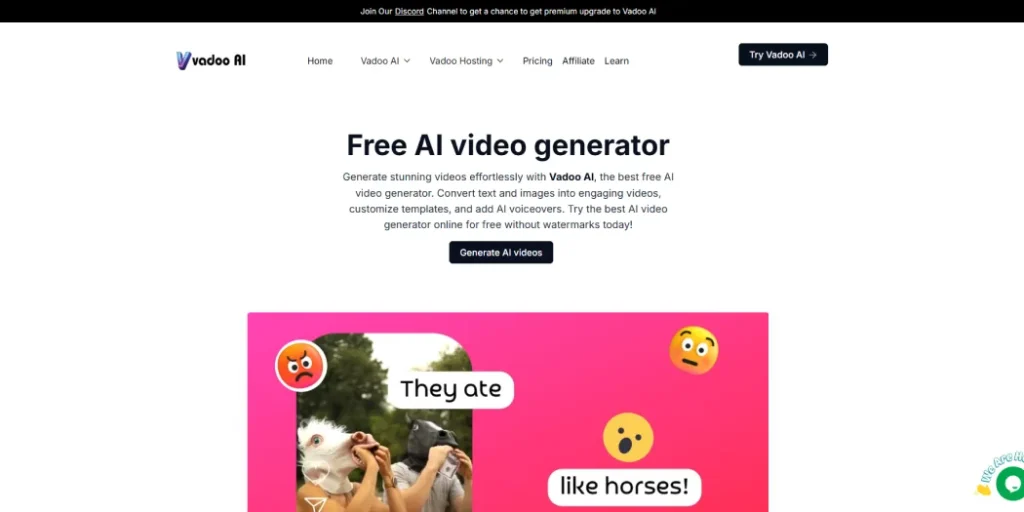
Vadoo is an all-in-one video tool that makes video creation easy for creators, marketers, and businesses. You can turn text, audio, images, or even a website link into a ready-to-use video within minutes, without needing editing skills.
The platform handles the difficult parts for you, writing scripts, adding voiceovers, matching subtitles, choosing transitions, and picking the right supporting clips. This makes it perfect for creating short videos for YouTube and other social platforms.
Vadoo also lets you add your own branding, choose from different voices, and export videos in many formats. Whether you’re new to video creation or already experienced, it helps you make polished, professional content quickly while saving time and effort.
Pros
- Very simple to use, suitable for both beginners and experienced creators
- Let’s you work with many top video and image models in one place
- Can turn text, audio, and images into complete videos within minutes
- Handles voiceovers, captions, transitions, and script writing automatically
- Supports many languages with natural-sounding voices
- Allows custom branding with your own logo, colors, and style
- Saves a lot of time and reduces the need for costly editing software
- Creates videos that are perfectly sized for YouTube, TikTok, Instagram, and more
Cons
- Not as flexible as advanced manual editing tools
- Some visuals and voice results may not feel fully natural in certain cases
The Future of Free AI Video Creation
AI video creation tools are getting better and more accessible every day. Now, anyone can turn blogs into videos, create avatars that lip-sync realistically, or even bring still images to life. These tools make it easy for creators of all skill levels to bring their ideas to life.
In the future, we can expect even simpler interfaces, faster processing, and more options to customize videos. AI-driven tools will allow for more creative freedom, better video quality, and smoother integration with other media platforms.
This technology is changing how stories are told, making high-quality video production available to everyone. Whether you’re an individual or a business, these tools are breaking barriers and empowering creativity like never before.
Quickly turn any photo into a talking video with our AI Lip Sync tool.
Conclusion
Finding a video generator that lets you download videos without watermarks can be tricky. But the 8 tools in this guide make it simple to create smooth, professional-looking videos.
If you’re looking for more features, styles, and clean downloads all in one place, try Pixele Studio AI video generator. It could be the perfect tool to bring your ideas to life and make your videos stand out.
Frequently Asked Questions
Yes, some tools offer clean downloads in their free plans. However, many platforms only allow watermark-free videos for short clips or limited features.
Pixele Studio is one of the best choices if you want clean, watermark-free videos without paying.
Pixele Studio is one of the easiest tools for beginners because everything is simple, clear, and quick to use.
Yes. Most of the video generators in this list support multiple languages and accents, making them suitable for global content.
Some tools support longer videos, but most free plans are designed for short clips. Paid plans usually offer more freedom for longer projects.
Yes, most well-known video generators like Pixele Studio are safe to use. They run on secure websites and protect your data. Just make sure you use trusted platforms and avoid unknown or suspicious sites.

Shantilal Materiya is the Founder & CEO of Tagline Infotech, driving innovation in AI-powered software solutions and helping businesses embrace the future of digital transformation services.