Canva Alternatives for Perfect Background Removal



Canva is a popular online design tool that offers a background removal feature for images. It allows users to remove the background from photos with just one click, making it useful for social media posts, presentations, marketing designs, and simple product images.
Canva is only available in its paid plans. Free users cannot access this feature, which is a common reason people look for alternatives. In some cases, Canva may struggle with fine details, such as hair, shadows, or objects with similar colors to the background.
Due to these limitations, many users search for Canva alternatives that offer background removal. Several online tools now offer one-click background removal, better edge accuracy, batch image processing, and even watermark-free downloads.
This blog showcases a list of the best Canva alternatives for perfect background removal. These tools help remove, change, or customize backgrounds while saving time and effort. Let’s explore them one by one.
Why Look for Canva Alternatives for Background Removal?
Canva is a great, user-friendly tool for graphic design, offering a wide range of templates. However, its background removal tool isn’t always the best option. Here are a few reasons why you might want to consider a Canva alternative:
- Cost: The main issue for many people is the cost. Canva’s background remover is only available for paid users. If you’re a casual user or a small business on a tight budget, paying a monthly fee just for this feature might not be worth it.
- Specialization: Canva is great for many things, but tools made just for background removal often do a better job. They use advanced AI to create cleaner cutouts, especially in tricky areas like hair or fur, where Canva might not be as precise.
- Speed and Workflow: Sometimes you just need to edit one image quickly without logging in, using a design dashboard, or exporting. Simple tools work better for quick, one-time tasks.
- Batch Processing: Editing 50 product photos one by one in Canva would take a long time. Many other tools let you edit multiple photos at once, which can save you hours.
Looking for a free Canva alternative? It’s not just about saving money; it’s about finding a tool that works better for your needs.
Best Canva Alternatives for Background Removal
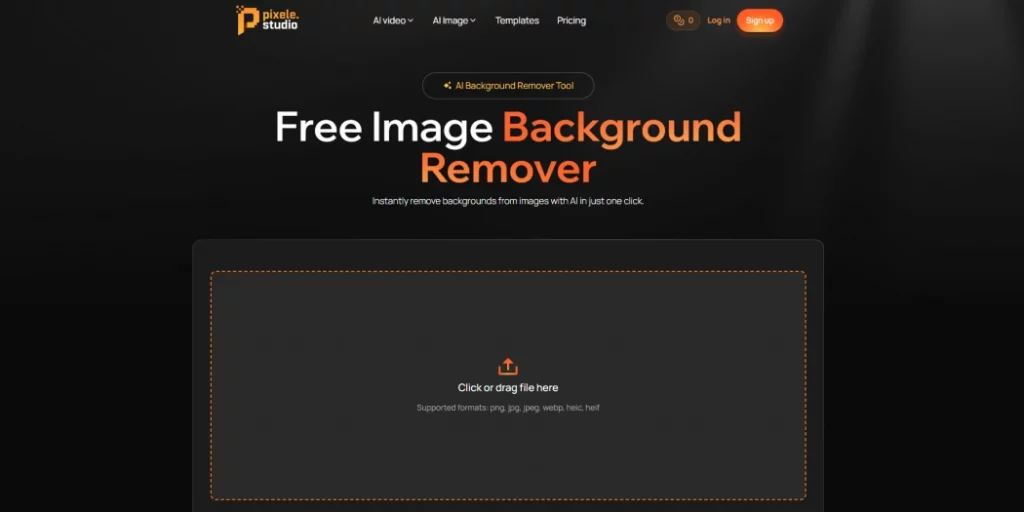
1. Pixele Studio – Free AI Background Remover
Product Description:
Pixele Studio is an easy-to-use online tool designed to remove image backgrounds with a single click. It’s perfect for anyone looking to create clean, professional images without having any design skills.
The tool works directly in your browser, so there’s no need to download or install anything. It’s especially for social media creators, online sellers, and marketers who need quick and reliable results.
Pixele Studio focuses on giving clean edges and clear cut-outs, even for images with people, products, or detailed objects.
Plus, users can download their edited images without watermarks, making it ideal for both personal and commercial use.
Key Features:
- Get high-quality, remove images in just one click
- No signup, no watermark, completely free
- Fast processing and easy downloads
- Works well for people and product photos
- Try the sample images for your work
- Supports all image formats
- Affordable solution
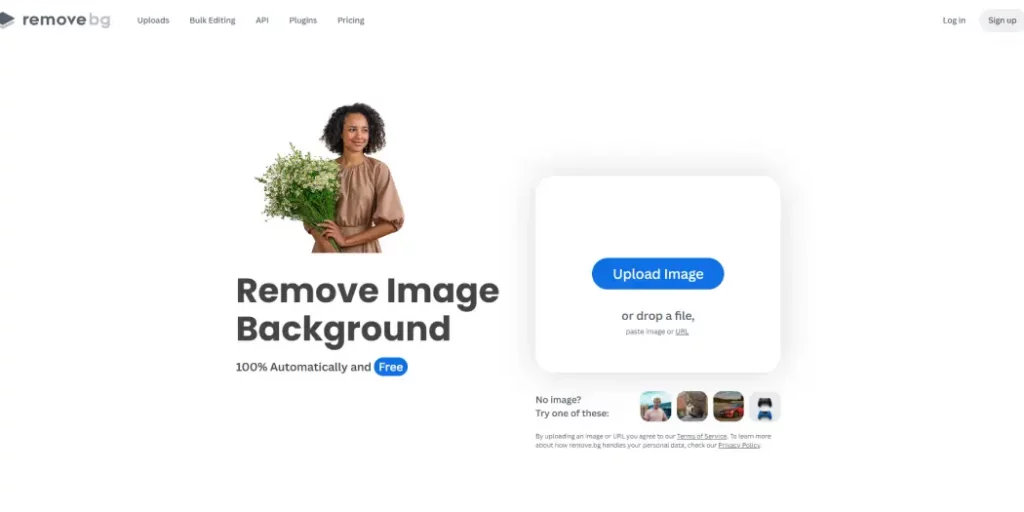
2. Remove.bg
Product Description:
Remove.bg is a popular tool for removing backgrounds from images automatically. Users can upload a photo, and the background is removed in seconds.
It’s commonly used for profile pictures, product photos, and marketing materials. It also supports bulk editing to save time for those working with multiple images. High-quality downloads may require credits or a paid plan.
Key Features:
- Removes image backgrounds automatically with just one click
- API support for advanced users
- Minor manual adjustments if the AI misses a spot.
- Download images with a transparent background or add a new background color.
- Works with tools like Photoshop, Figma, and eCommerce platforms
- Easy drag-and-drop interface that works well for beginners
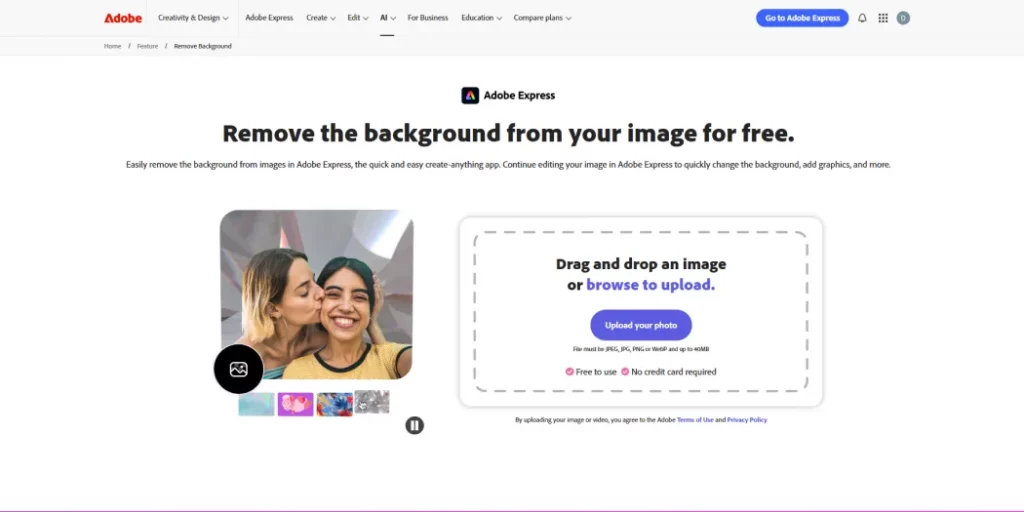
3. Adobe Express
Product Description:
Adobe Photoshop is a well-known image editing tool used by designers, photographers, and content creators around the world.
Along with many editing options, it also offers a background removal feature that helps users separate objects or people from the background to create clean and professional images.
As a powerful design software, Adobe Photoshop gives users full control over image editing, layers, and background changes. It is a strong choice for those who want detailed editing and high-quality results.
While it may feel advanced for beginners, many users still consider it one of the most reliable options when exploring a Canva alternative free for background removal and image editing.
Key Features:
- Easily remove the background from images automatically
- Free to use anytime, anywhere, and no credit card required
- The new image will download as a PNG file
- Works well for desktop and mobile
4. Erase.bg
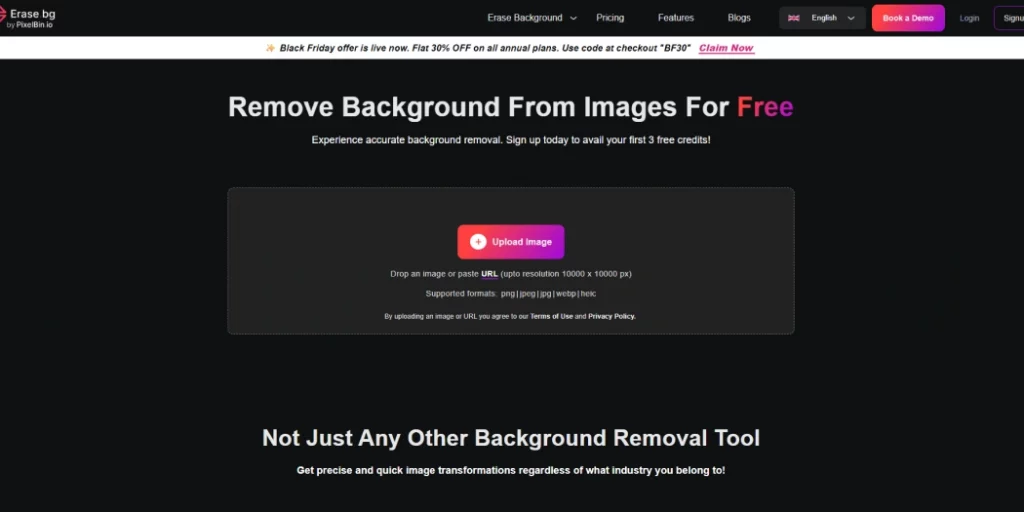
Product Description:
Erase.bg is a useful tool that makes removing backgrounds from images very easy. With its simple design and fast speed, anyone can get clear, professional-looking results quickly. This tool is a good choice if you want an alternative to remove.bg, offering similar features for easy background removal.
Erase.bg works on different devices and browsers, so it can be used anywhere. It removes backgrounds fast while keeping your image clear, making it one of the best simple tools for background editing.
Key Features:
- AI-powered automatic background removal
- Support for HD/4K resolution
- Customized colour and image options
- Extensive language support
- Supports common formats like JPG, PNG, WEBP, HEIC, with output in PNG for transparent backgrounds.
- API access for developers to use background removal in apps
5. PhotoRoom
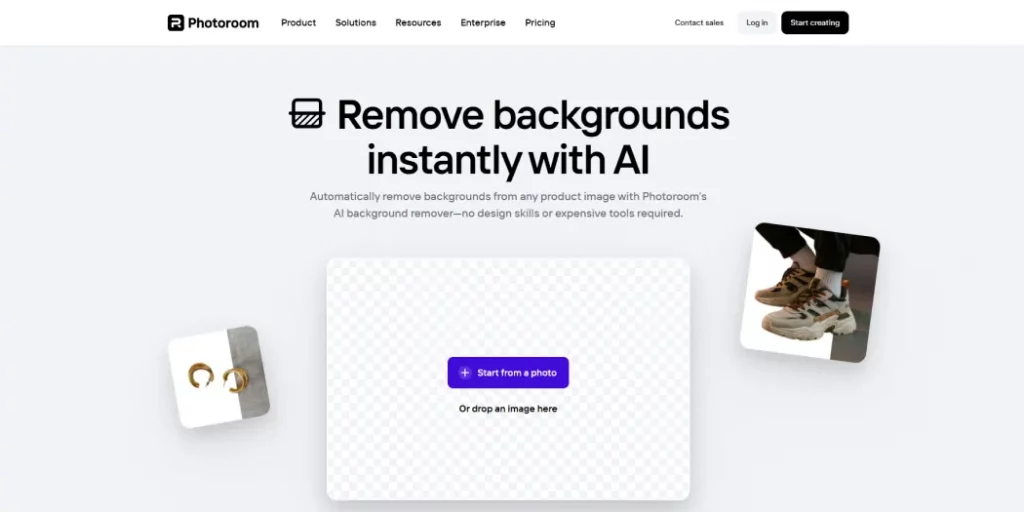
Product Description:
PhotoRoom is an online tool that makes it easy to remove the background from any photo. You just upload your image, and the background is removed automatically, leaving a clean subject.
After that, you can keep it transparent or replace it with a new background, color, or template. The tool also lets you add text or simple designs to make your images look professional. PhotoRoom works on both computers and phones, and you can start using it for free.
Key Features:
- Removes the background from your photos automatically
- Can remove unwanted parts or objects from the background if needed.
- Save time and money
- Offers ready‑made templates for social media and product photos.
6. Fotor
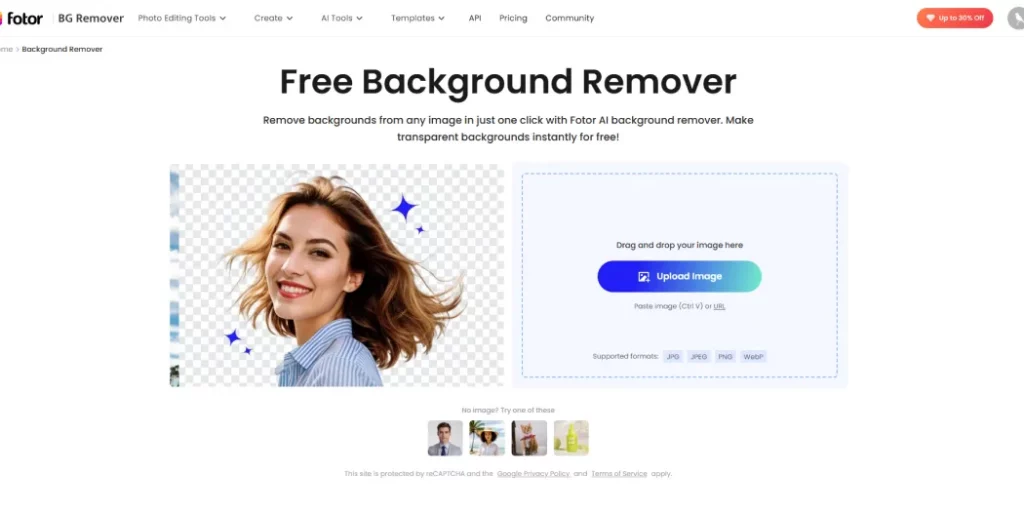
Product Description:
Fotor is an online image editing tool that makes it easy to remove backgrounds from photos. Its simple and clean interface allows anyone to edit images quickly without any complicated steps.
Besides background removal, Fotor offers a variety of editing tools and templates to enhance your images. This makes it a great choice for both beginners and experienced users who want a simple yet powerful platform.
With Fotor, you can create professional-looking images easily, making it a strong alternative to remove.bg for background editing and photo enhancement.
Key Features:
- Remove backgrounds from any image in just one click
- Supports batch background removal (up to 50 images at once) to save time
- Includes a magic brush tool to manually refine or fix parts
- Transparent backgrounds instantly for free
- Allows background blur to highlight the main subject.
- Works with common image formats like JPG, JPEG, PNG, and WebP
7. Pixelcut
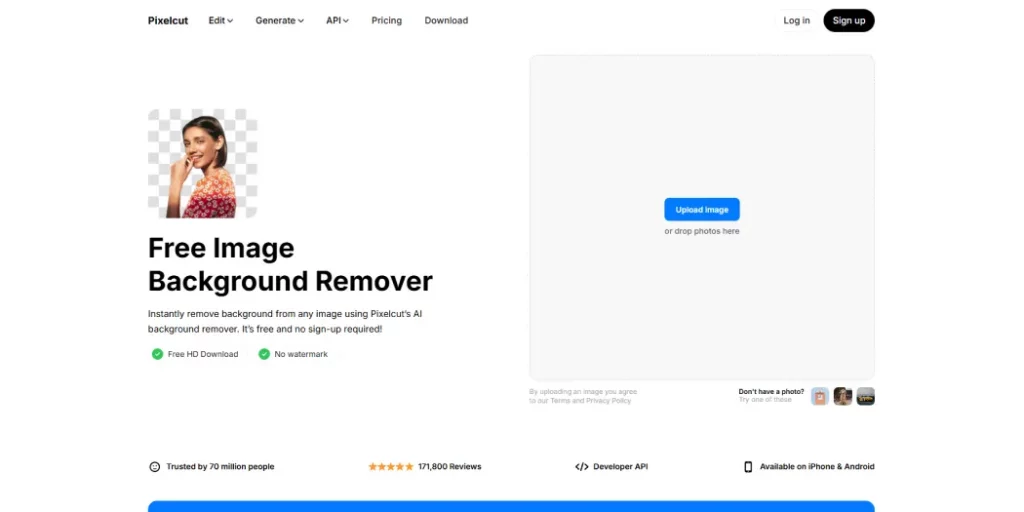
Product Description:
Pixelcut is an online background remover tool that cleans up your photos in seconds. Just upload your image and the tool will automatically remove the background for you.
From there, you can leave the background transparent or add a new color or image. Pixelcut works on desktop and mobile, so it’s easy for anyone to edit photos without complicated software. You can even process multiple images at once, which is a great time-saver.
Its simple and fast editing features make Pixelcut one of the best free Canva alternatives for creating product photos, social media content, and other professional-looking designs.
Key Features:
- Removes backgrounds quickly, even for detailed areas like hair.
- Offers one-click removal plus a brush to fix edges or leftovers.
- Lets you replace the background with colors, gradients, or templates.
- Designed for product photos, with shadows and templates for eCommerce.
- Works with other tools like Magic Eraser, AI Photo Shoot, and video creation.
- Supports batch editing to handle many images at once (Pro feature).
- It can be used online without installing heavy software.
Why Can Pixele Studio Be the Best Alternative to Canva?
Pixele Studio is a fast and easy online tool that makes background removal simple for everyone. You can remove backgrounds with just one click, and the tool keeps your images clear and professional.
Unlike Canva, Pixele Studio is free to use and does not add a watermark, making it perfect for personal and business projects.
In addition to background removal, Pixele Studio offers editing features like adding new backgrounds, colors, or templates, so you can create product photos, social media posts, banners, and more. Its simple interface works on both computers and mobile devices, making it accessible anywhere.
Pixele Studio is one of the best free alternatives to Canva for creating clean and professional images.
Frequently Asked Questions
Some of the best free alternatives include Pixele Studio, Remove.bg, Erase.bg, Fotor, PhotoRoom, and Pixelcut. These tools allow quick background removal without watermarks.
Yes, many tools like Pixele Studio, Erase.bg, and PhotoRoom offer free background removal without requiring a paid plan.
PhotoRoom and Pixelcut are ideal for product images as they offer shadows, templates, and eCommerce-focused features.
Yes, tools like Remove.bg, Pixelcut, and Fotor support batch or bulk background removal to save time.
Most alternatives, including Pixele Studio, PhotoRoom, and Pixelcut, work on both mobile devices and desktop browsers.
Yes, most tools allow you to replace backgrounds with solid colors, gradients, or custom images after removing the original background.
Yes, all the mentioned Canva alternatives are beginner-friendly and require no design experience to remove or edit backgrounds.
Remove.bg, Pixele Studio, and Adobe Express are known for maintaining high-resolution images after background removal.

Krishna Dudhat is an SEO Content Writer at Tagline Infotech, creating AI-optimized content that drives visibility, engagement, and digital growth.